 Dressmaker Wiki
A workbench companion for the Dressmaker game
Use this illustrated walkthrough when you have the game open and want to check a particular decision. Match the station on your screen with the pictures, read the advice for that stage and return to your garment. For a continuous checklist from the customer counter through delivery, open Your first commission. If your design is assembled but the finishing action has not appeared, go straight to the finish button checks.
Read the order before spending fabric
When a customer gives you an order in the Dressmaker game, pick out the requirement you could most easily overlook. A drawing can remind you of the silhouette you want, but it cannot tell you whether the customer has ruled out a colour. Keep the written request beside your design. In the example below, the page on the left is worth reading before you spend time adjusting the dress on the right.
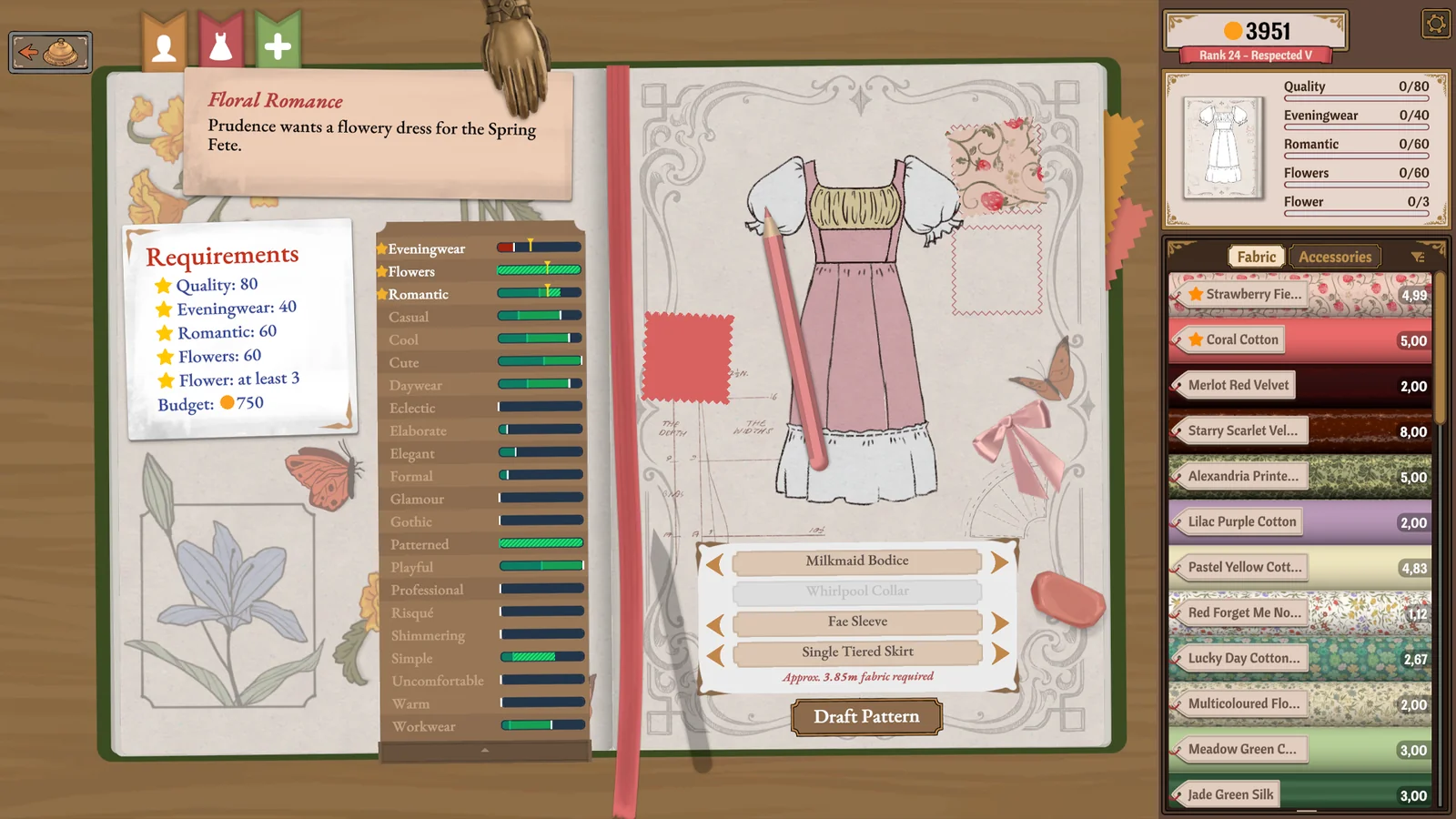
Try this on your next Dressmaker game order: describe the job in one sentence that includes both the piece you want to make and a constraint you must respect. If two customers ask for clothing for a similar occasion, add the customer name to that sentence. It is easier to catch a mix-up at the counter than after you have cut the fabric.
Compare swatches in the Dressmaker game shop
At the Dressmaker game fabric counter, compare two candidates while the brief is still fresh. Look at the material name, its listed properties and the colour it contributes to your plan. Two fabrics that look nearly identical under the shop lighting can carry different descriptions. Choose a fabric because you can explain which part of the request it supports. Keep the second choice in mind if the first is unavailable in your edition.
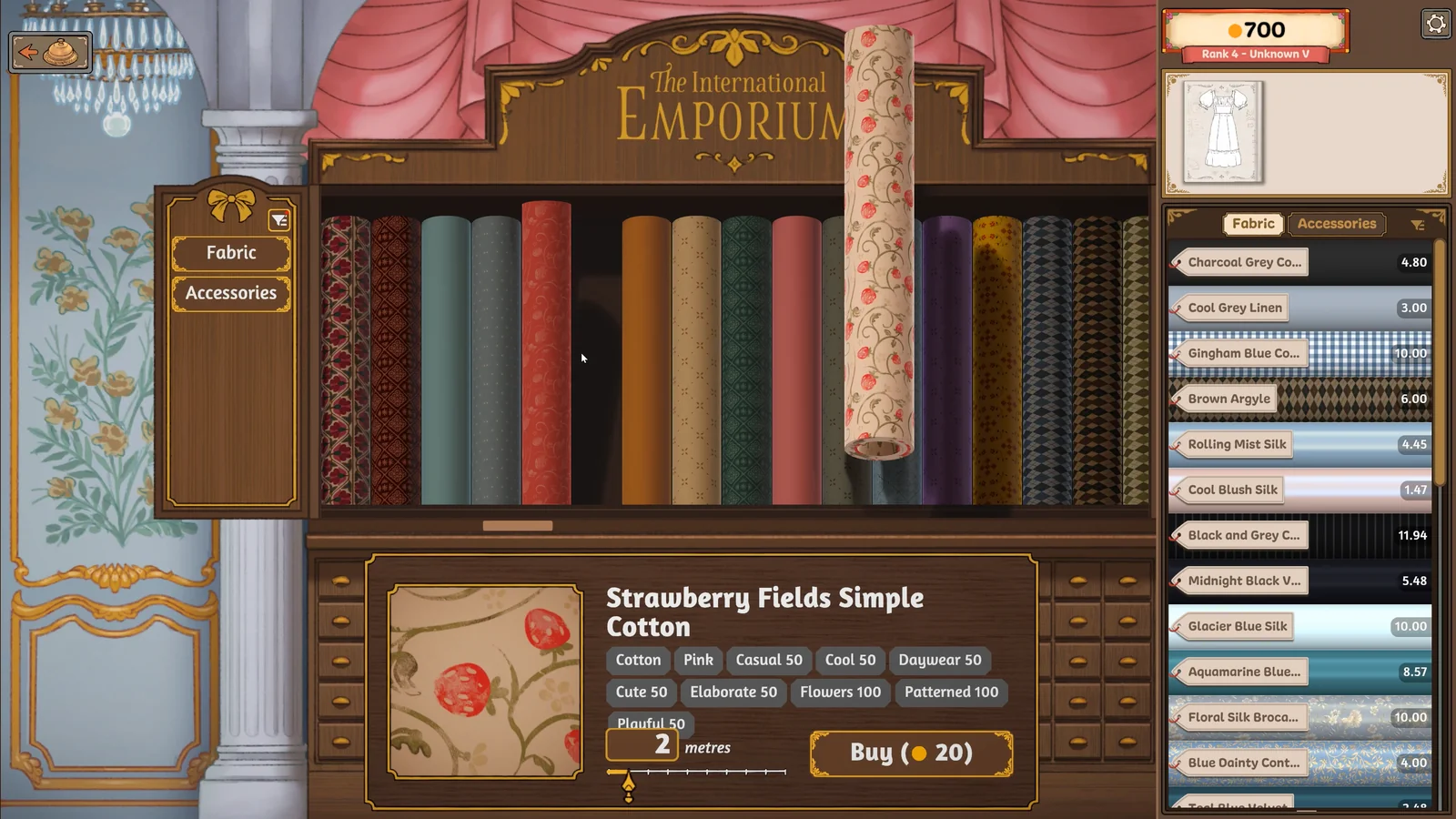
A useful Dressmaker game shopping note has three parts: the name on the swatch, the pattern piece you intend to cut and the reason for choosing it. For example, a print that suits a large skirt might look quite different on a narrow sleeve. If you are testing the visual result, change that one fabric between designs. Comparing two completely different dresses makes it hard to identify which choice helped.
Plan a cut before moving the scissors
Pause at the Dressmaker game cutting table and look at the entire layout. A small piece tucked into the middle may leave too little room for a larger panel. Try placing the largest outline first, then use the remaining spaces for smaller pieces. Before committing, look at how the print runs across neighbouring panels. A floral motif or stripe gives you a visible reference when deciding which direction to use.
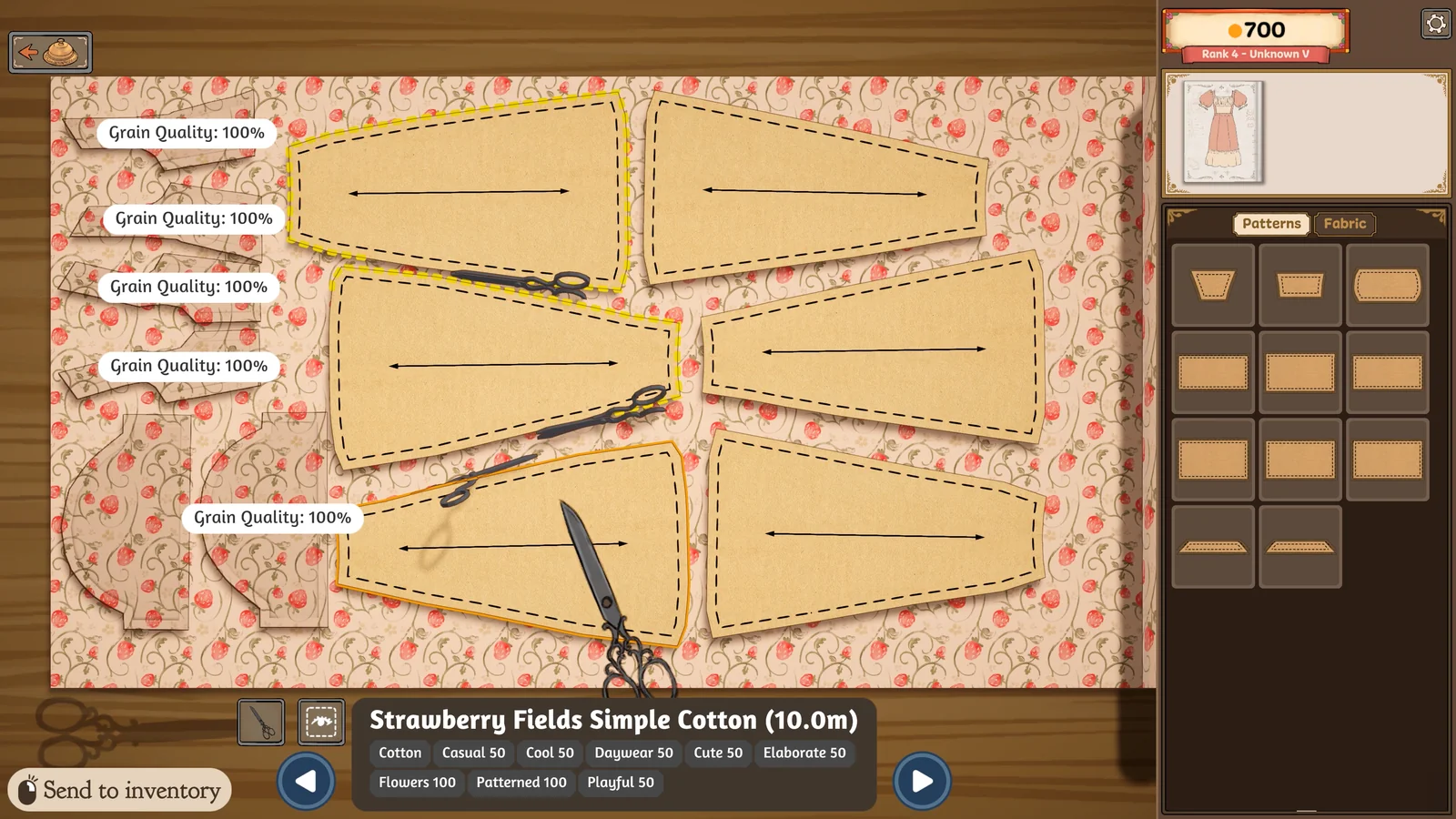
Use the cutting screenshot as a reading exercise. Find the long direction of one panel, then look for the direction marker before looking at the scissors. When you return to the Dressmaker game, inspect your own layout in the same order. If your browser build uses different labels, follow the visible direction cues on your screen. The full-edition images below and above illustrate the craft; individual menus can differ.
Using the Dressmaker game sewing machine
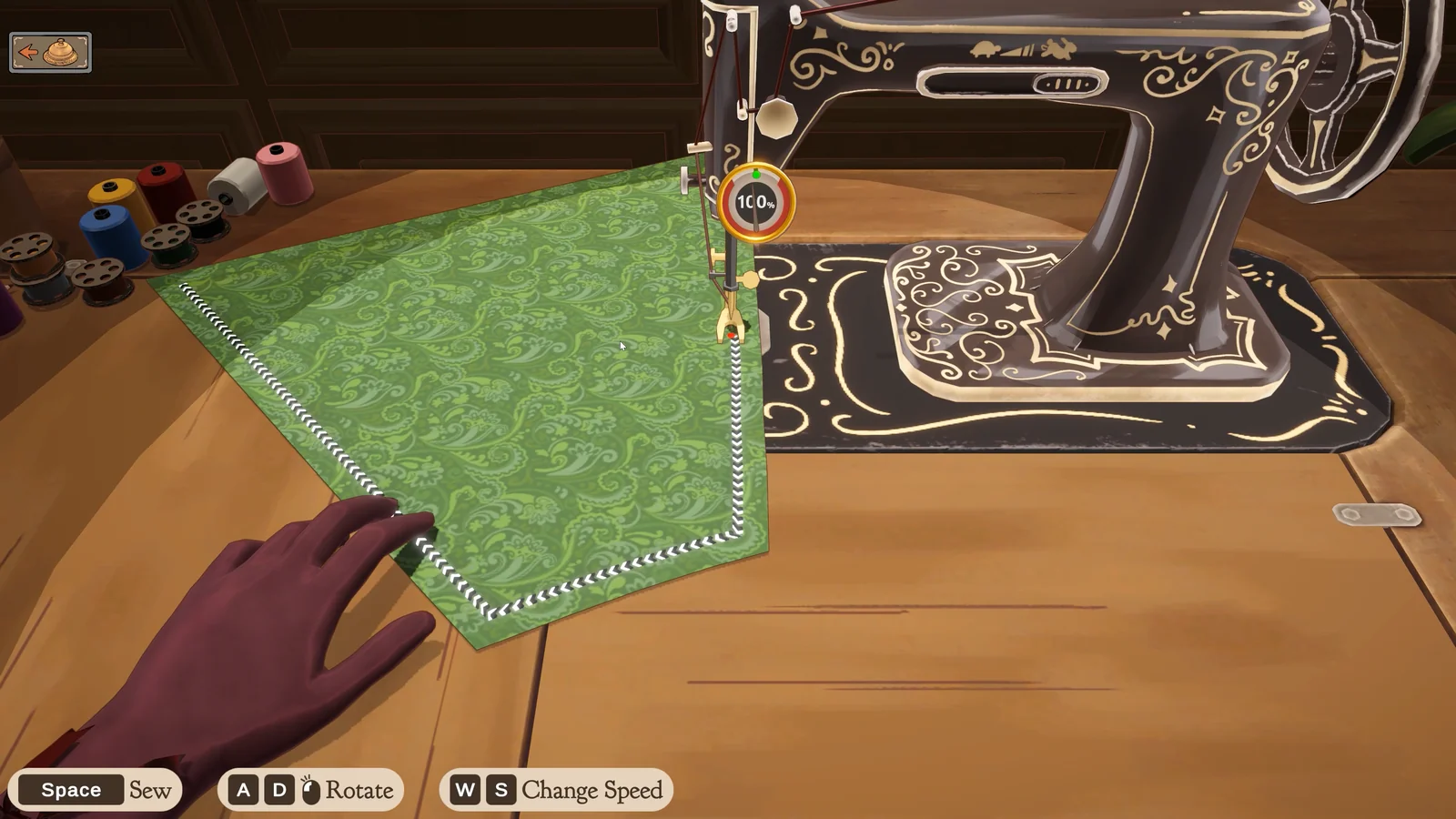
Once you start sewing in the Dressmaker game, watch the fabric immediately in front of the needle. Looking only at the far end of a curved edge makes it easy to miss the point where the direction begins to change. Use one short section to get comfortable with the controls shown by your build. After reaching the end, inspect the join before moving on to a different piece.
If the Dressmaker game leaves you at the mannequin with no finishing action, check whether all the planned pieces are present, then inspect the joins. Change one thing and look at the screen again. That gives you a useful observation even if the first check does not resolve the problem. The missing-button guide separates a dress that still needs assembly from a completed delivery that received an unsatisfactory verdict.
Read your Dressmaker game result and plan your next attempt
A Dressmaker game result is most useful when you remember what you were trying to test. After delivery, compare the response with the original requirement. Was the issue about the design you chose, or did you struggle during construction? Keep a short note of the result before starting another order. If the only thing you remember is that a dress failed, you may spend the next attempt fixing an unrelated detail.
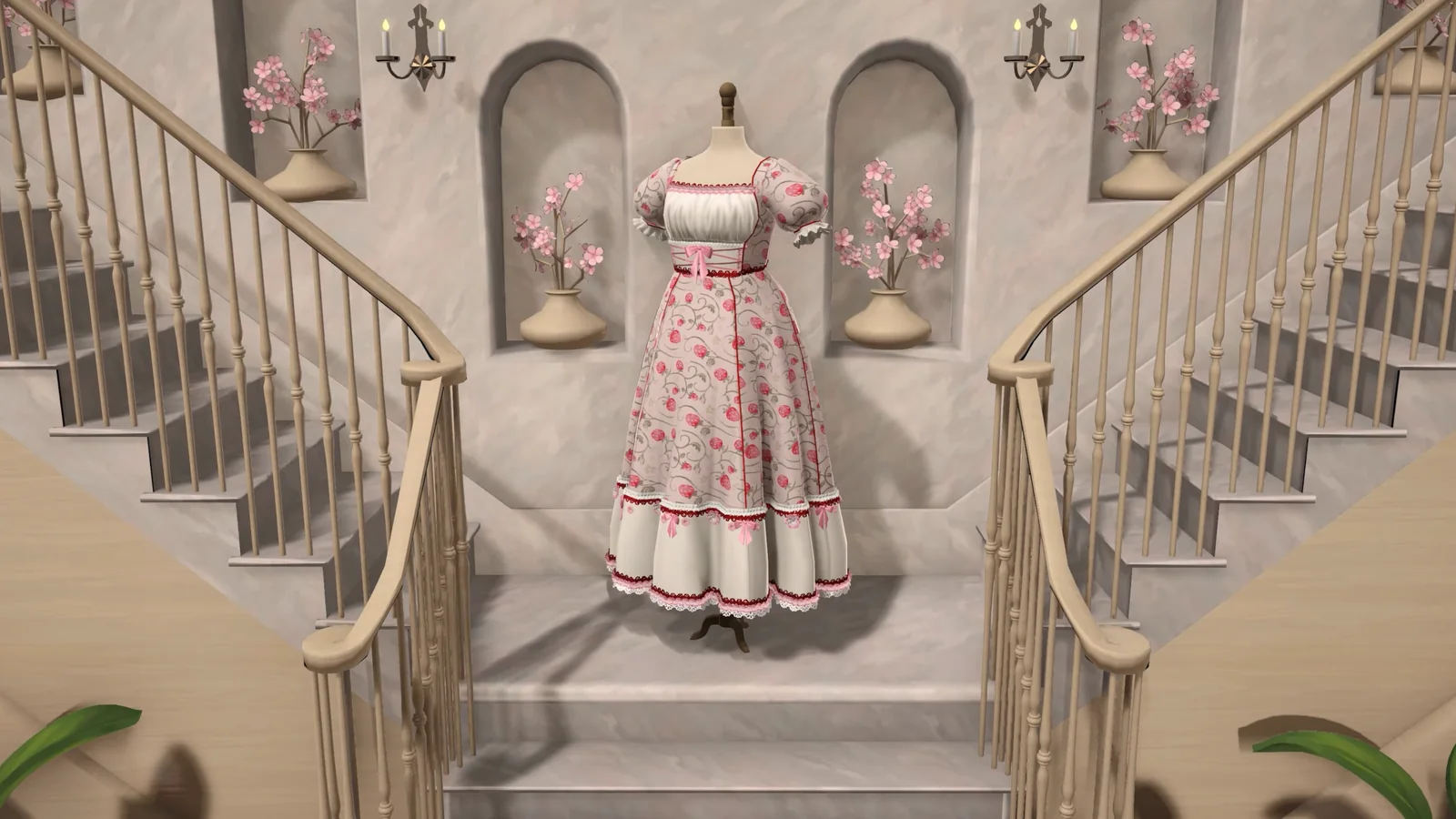
For a useful Dressmaker game comparison, keep the parts that already met the brief wherever your current progress allows. Decide on one specific adjustment, such as choosing a fabric with a different listed colour, and check it against the request before cutting again. This page cannot recover spent fabric or change the state of your save. Use the controls and recovery options that your own edition provides.
Full-edition reference screenshots · Cozy Lives / Free Lives
Dressmaker game FAQ
How do I start the Dressmaker game for free?
Select Start game in the player above. That action connects your browser to the external game host. Wait for its own loading screen to finish, then select the game surface to give it input focus. The Dressmaker game guides remain available while the host loads. You can read them without creating a site account or opening the Steam store.
Can I read a guide without losing my Dressmaker game session?
Select a step in the field guide beside the player. The panel moves to the matching instruction, and Read full guide opens the longer explanation in another tab. Switch back to the original Dressmaker game tab when you are ready to try the instruction. Avoid refreshing or restarting the player while you have unfinished work.
Does a Dressmaker game guide link take me straight to that order?
A step link selects the relevant note beside the Dressmaker game player. You still need to reach the corresponding workbench or commission in the game. For example, the seam check is useful once you have attached the relevant pieces. Opening that note cannot skip a customer, unlock a pattern or place fabric on the mannequin.
Why is the Dressmaker game frame blank?
First allow time for the game resources to arrive. If the frame stays blank, use Open separately to compare the host in its own tab. If the Dressmaker game works there, your browser settings for embedded content may be relevant. A restart can interrupt unfinished work, so open Restart options only when you are prepared to begin that session again.
Is this Dressmaker game the complete Steam edition?
The embedded host identifies its browser build as 0.1.0. The Steam store describes the commercial Dressmaker game separately. We have not established that the campaigns, saves or available orders match. If a video shows an option missing from your screen, compare the edition and your current stage before spending time searching for that option.
Can I use the Dressmaker game guide on a phone?
Yes. On narrow screens the panel sits below the game. Select a step and scroll back to the player when you have finished reading. Full touch play through an entire Dressmaker game commission has not been independently verified here. Another practical setup is to keep the article open on your phone while using a mouse or trackpad on a computer.