 Dressmaker Wiki
Why is the Finish Dress button missing?
First check which screen you are on. A dress waiting for assembly needs a different fix from a dress that has already received a customer verdict.
Edition note. Compare the steps with your own controls. Screenshots illustrate the full edition; the embedded build has not been independently tested through delivery.
Check the pieces
Compare your sketch with the pieces on the mannequin. Look for a cut piece still waiting to be attached.
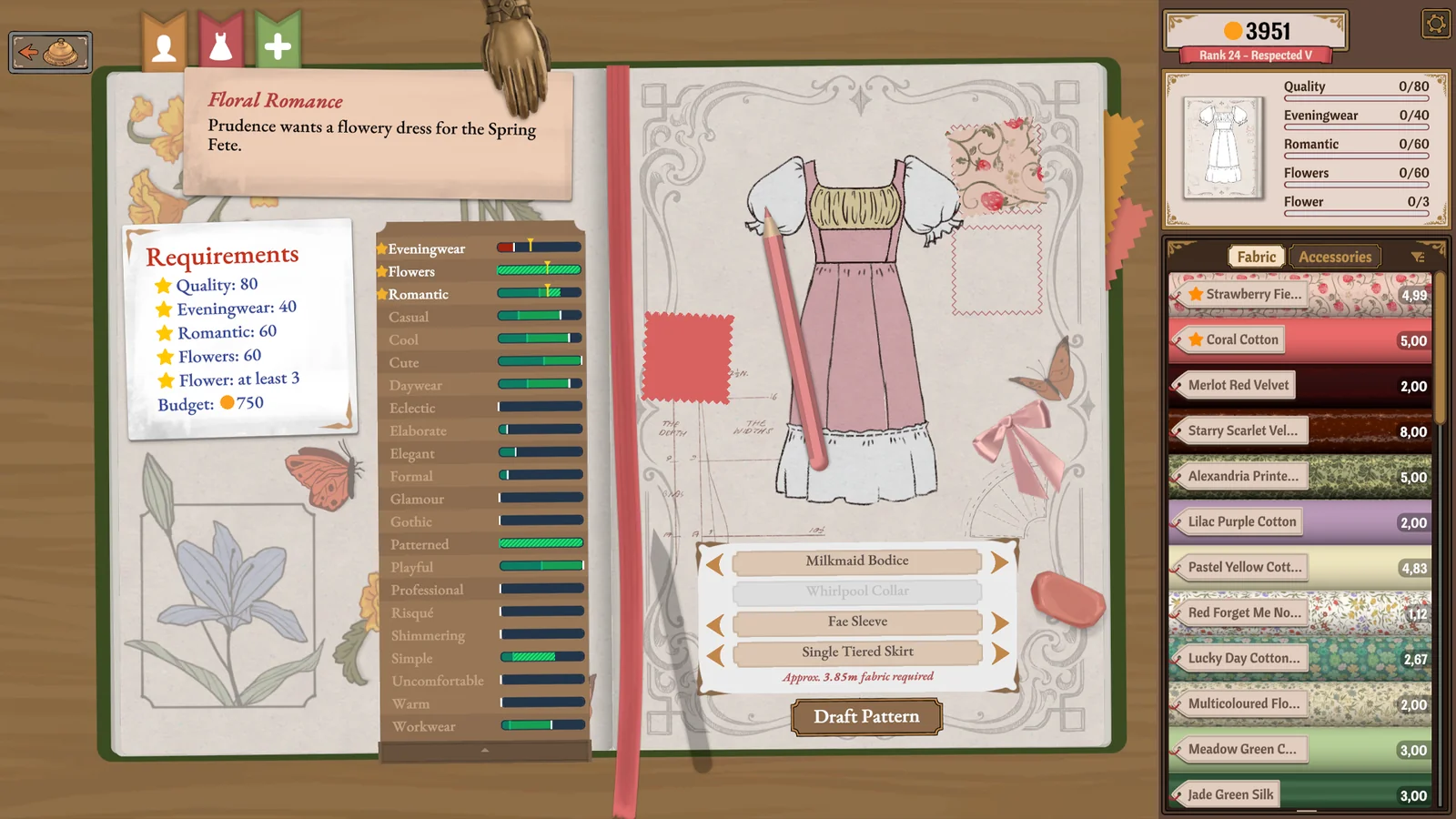
Start with the main garment and then inspect each sleeve and smaller part in turn. Keep the current design while checking its assembly.
Open game with this noteInspect the joins
Once the pieces are in place, examine each join for an unfinished seam.
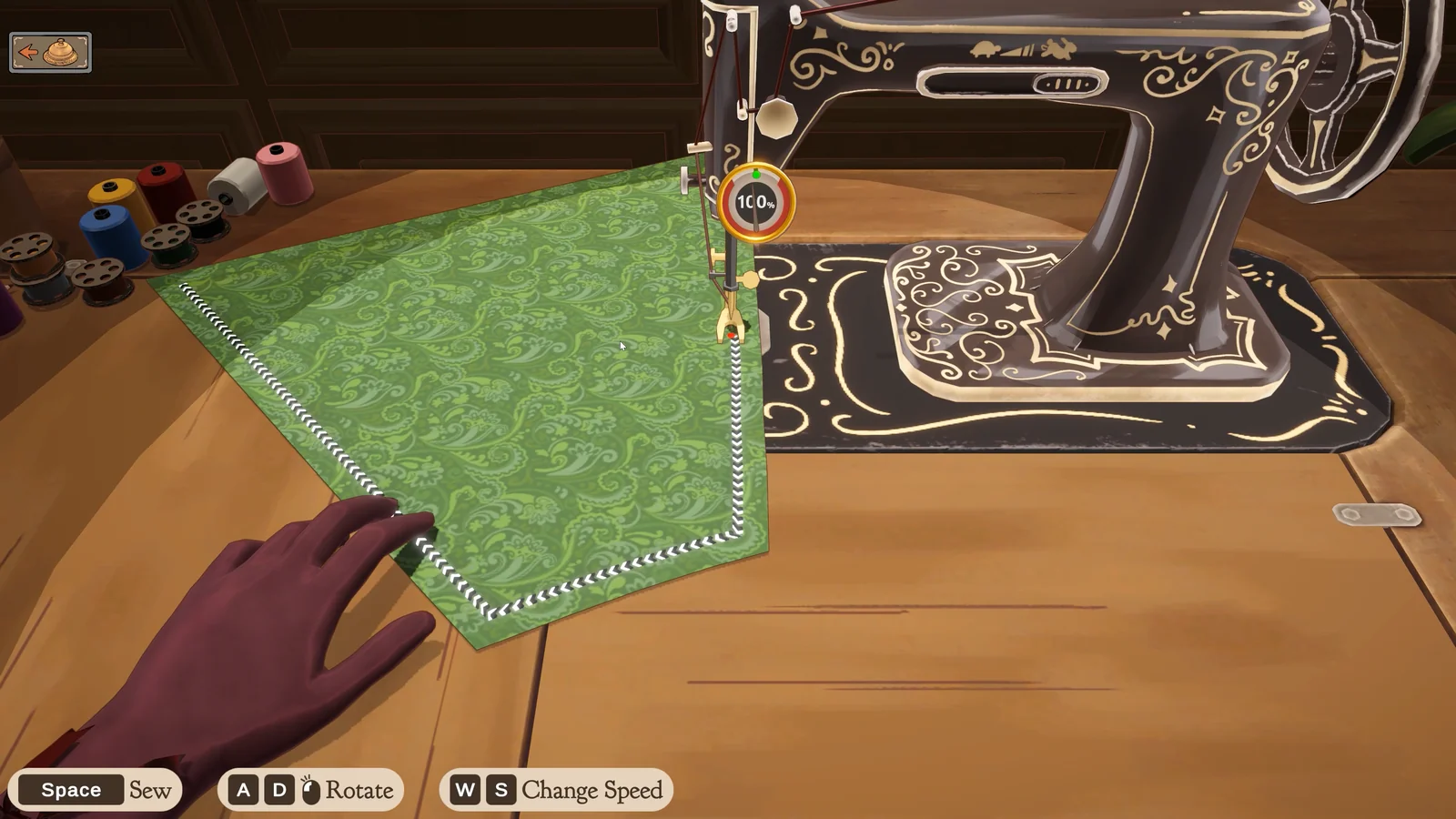
Follow one join at a time. After closing a remaining seam, look for a change in the finishing action before making any other change. This comparison helps isolate the cause.
Open game with this noteRead a failed result
If delivery already happened, compare the result with the original commission line by line.
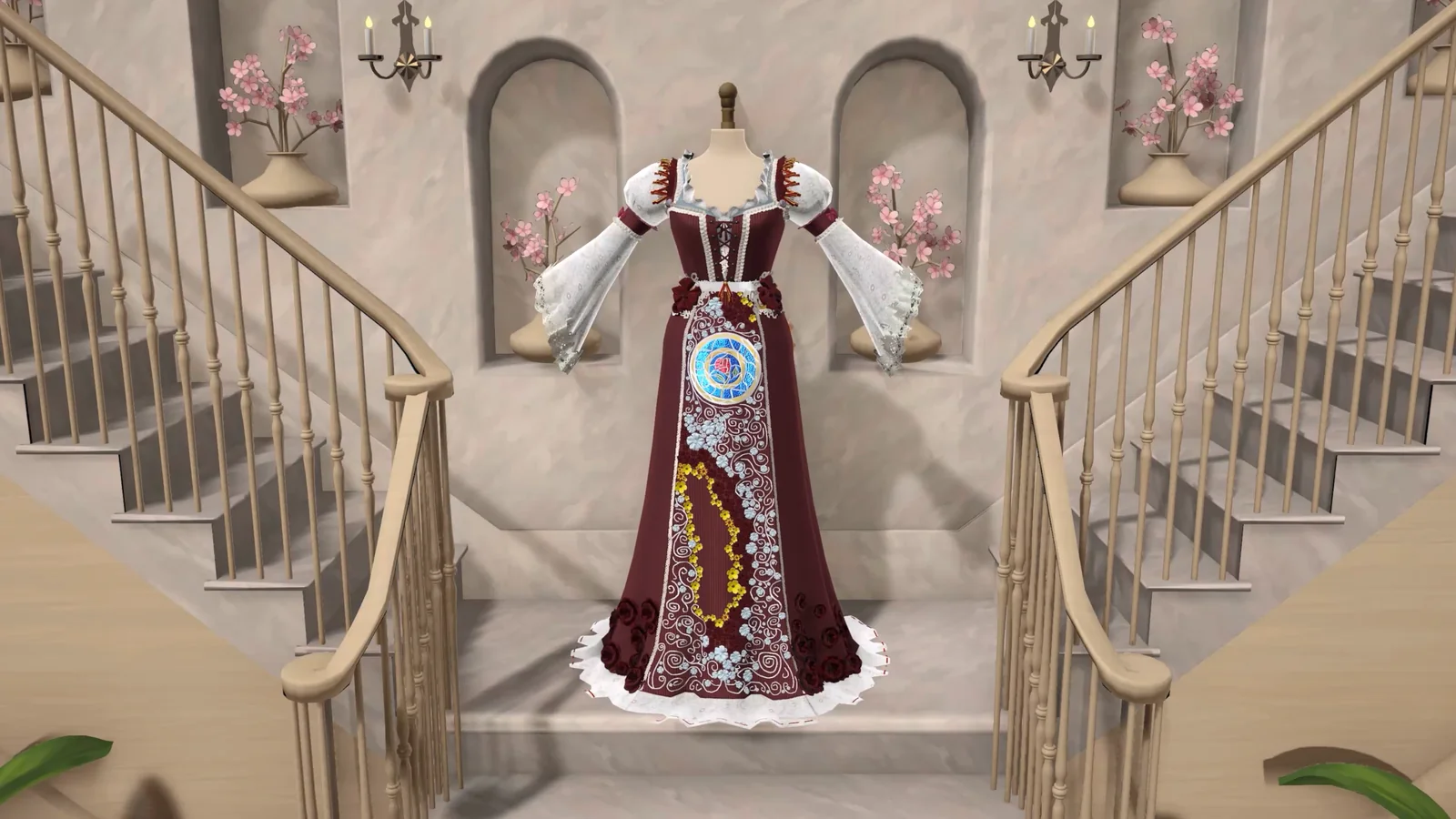
Separate colour restrictions, style and workmanship. Changing your sewing technique cannot correct a fabric colour that the brief explicitly forbids.
Open game with this noteCheck the edition
If the controls or commission differ, record the edition and the screen you see.
Use Contact to send the commission name, stage and visible message. You do not need to share a save file or account details.
Open game with this noteWatch a commission take shape
Compare your progress with the assembly and sewing stages in this first-commission playthrough. The footage shows the Steam edition.
Watch on YouTubeGame screenshots · Cozy Lives / Free Lives